
Turn plans into action. Execute every step with confidence.
A good plan alone doesn’t guarantee success. Many plans fail not because of weak design — but because of execution errors, team misalignment, forgotten details, wrong sequencing, and lack of oversight. UM Implementation Agent™ was designed to solve exactly that.

Why executing plans is harder than designing them.
In many businesses, decisions have been made, solutions are clear, and an execution plan exists. But at the moment of execution, unpredictable issues appear.
Some actions are forgotten or done incompletely.
Team members don’t know exactly how to execute each step.
Actions are taken without respecting sequence and prerequisites.
Responsibilities and deliverables aren’t clear enough.
Teams interpret the same decisions differently.
Small mistakes in early stages become bigger problems later.
Eight core functions — that keep execution on track.
Turning Plans into Executable Checklists
Converts designed actions into specific, granular, and doable tasks — so team members know exactly what to do.
Establishing Execution Sequence
Organizes steps by logical order, dependencies, and prerequisites — so the team doesn’t move ahead before conditions are ready.
Step-by-Step Team Guidance
Guides the team through each stage — what to do, what to watch for, and what to review after completing.
Completion & Accuracy Control
Doesn’t equate “task done” with “task done correctly.” Defines what needs to be reviewed and confirmed for each step.
Preventing Execution Errors
Reminds about prerequisites, sensitive details, sequencing, and control points — reducing forgetfulness and incomplete execution.
Clarifying Responsibilities & Deliverables
Helps clarify who owns each action, what output should be produced, and what conditions are needed to hand off to the next stage.
Managing Unforeseen Issues
When ambiguity, obstacles, or off-plan conditions appear, helps clarify the issue, gather needed info, and identify the next appropriate step — without arbitrarily replacing approved plans.
Tracking Execution Progress
Keeps completed actions, remaining items, steps needing review, and execution blockers clearly visible — so managers and teams have an accurate view of real progress.
Every action, every step — one clear view.
Checklists, sequences, responsibilities, and progress — all organized in one live execution view.
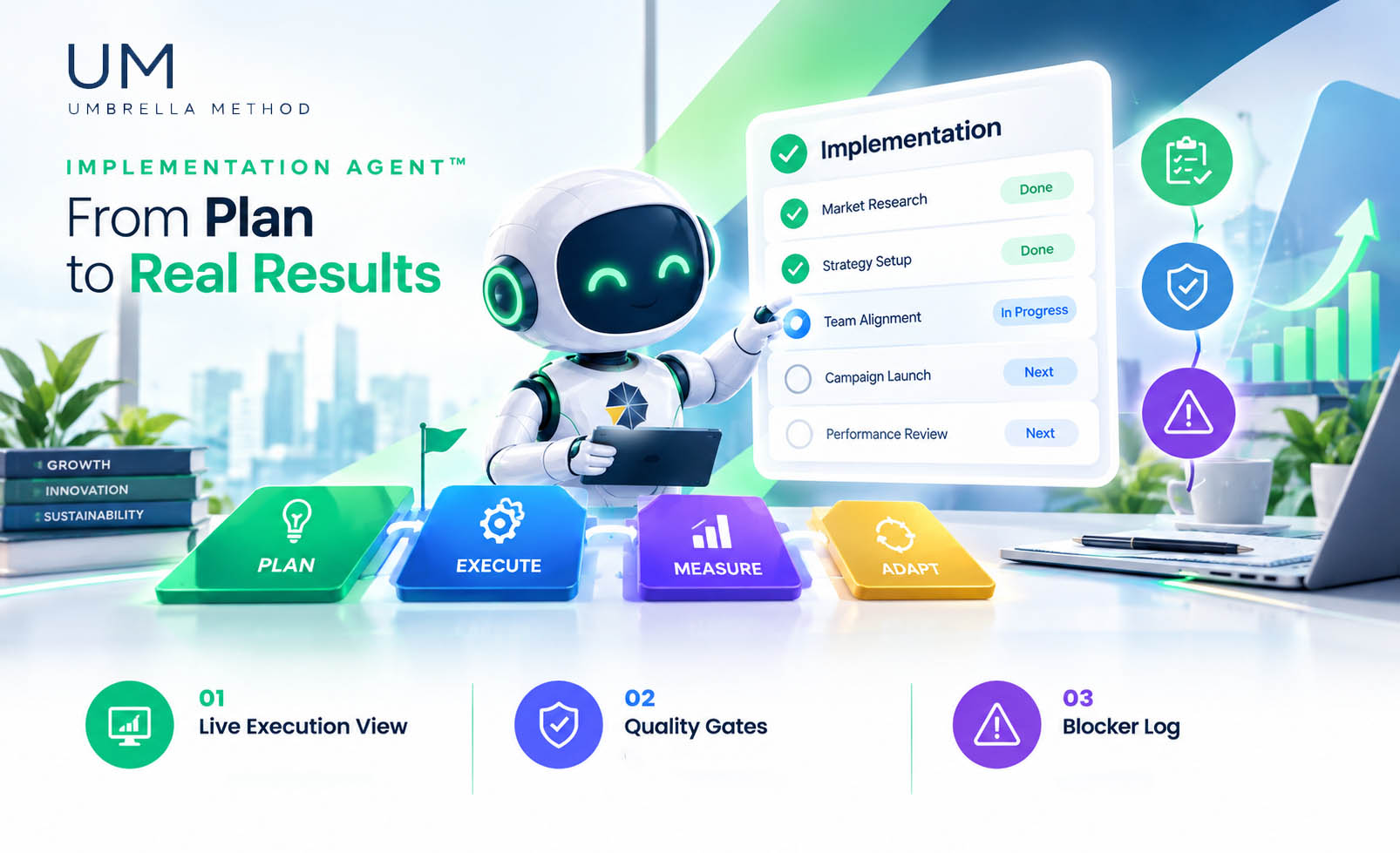
What’s done, what’s next, what’s blocked.
Each step verified before the next begins.
Issues captured — with next-step clarity.
From a general plan to a clear, trackable execution path.
Depending on project type and available information, outputs can include:
Execution Checklist
Complete checklist of all execution actions.
Step-by-Step Instructions
Clear instructions for completing each task.
Execution Sequence
Logical order and dependencies between actions.
Task Ownership
Clear owner and expected deliverable for each task.
Prerequisite & QC Checklists
Pre-step checks + quality control criteria.
Progress Tracking
Status of steps and remaining actions.
Issue & Blocker Log
Tracking obstacles, ambiguities, and execution issues.
Completion Criteria
Conditions required to confirm each step is complete.
Hand-off Readiness
Ready for the next stage of the UM methodology.
Step 6 of Umbrella Method™ — the stage of implementation.
Once the design stage is complete and approved, the Implement Agent turns plans into execution programs, clear responsibilities, step sequences, and checklists. This is where ideas become reality — with structure and precision.
Seven stages of guided execution.
Receiving the Execution Plan
The agent takes the actions and solutions designed in the previous UM stage as its foundation, and reviews the information needed to begin execution.
Building the Complete Execution Checklist
Breaks the plan into granular tasks, identifies prerequisites and dependencies, and includes the items that must be controlled for correct execution.
Preparing the Team to Start
Clarifies each person or unit’s responsibilities, what information or resources are needed, and what conditions must be ready to start each step.
Guiding Step-by-Step Execution
Accompanies the team through each stage — so members know what to do, what to watch for, and what not to miss.
Control Before Moving to the Next Step
Completed items and required criteria are reviewed. If a step is incomplete or an important prerequisite is missing, it’s flagged before proceeding.
Handling Execution Issues
If a blocker arises, the agent helps clarify the issue and explore possible solutions. If a management decision or design change is needed, it’s referred for review.
Completing & Handing Off Execution
After reviewing actions and completion criteria, the final status and remaining items are summarized — so the team knows what’s done and what still needs action.
A checklist tells you what to do. This agent helps you actually get it done.
- Lists what needs to be done
- Provides a starting point
- Can be checked off — or forgotten
- Guides proper sequence and dependencies
- Prevents details from slipping
- Reviews completion criteria at each step
- Clarifies the path when problems arise
For teams that want to execute with order, precision, and fewer errors.
Business managers responsible for executing key decisions.
Project managers who need control over stages and deliverables.
Operations managers who want to standardize process execution.
Marketing teams implementing campaigns and execution programs.
HR teams responsible for organizational change execution.
Businesses implementing AI tools or changing their working methods.
Teams wanting to reduce dependence on memory, personal experience, or constant manager follow-up.
Real businesses, real execution.
“Our plans used to look great on paper and disappear into chaos. Now every step is tracked, every deliverable is clear — and things actually finish.”
“We used to depend on one person’s memory for execution. Now the system guides every step — our team moves with confidence.”
UM Implementation Agent™
Turn your designed changes into real, tracked execution — step by step, without losing details.